One club, several teams
Create teams under the same club and organise them by age group and season. People who hold several roles can switch between the relevant club and team dashboards.
FOR CLUB ADMINS
Give your club a shared home for teams, seasons and communication, while team managers handle their own squads and matchdays. Built for UK grassroots football, from youth teams to open age.
For volunteer club administrators coordinating several teams and the people who run them.
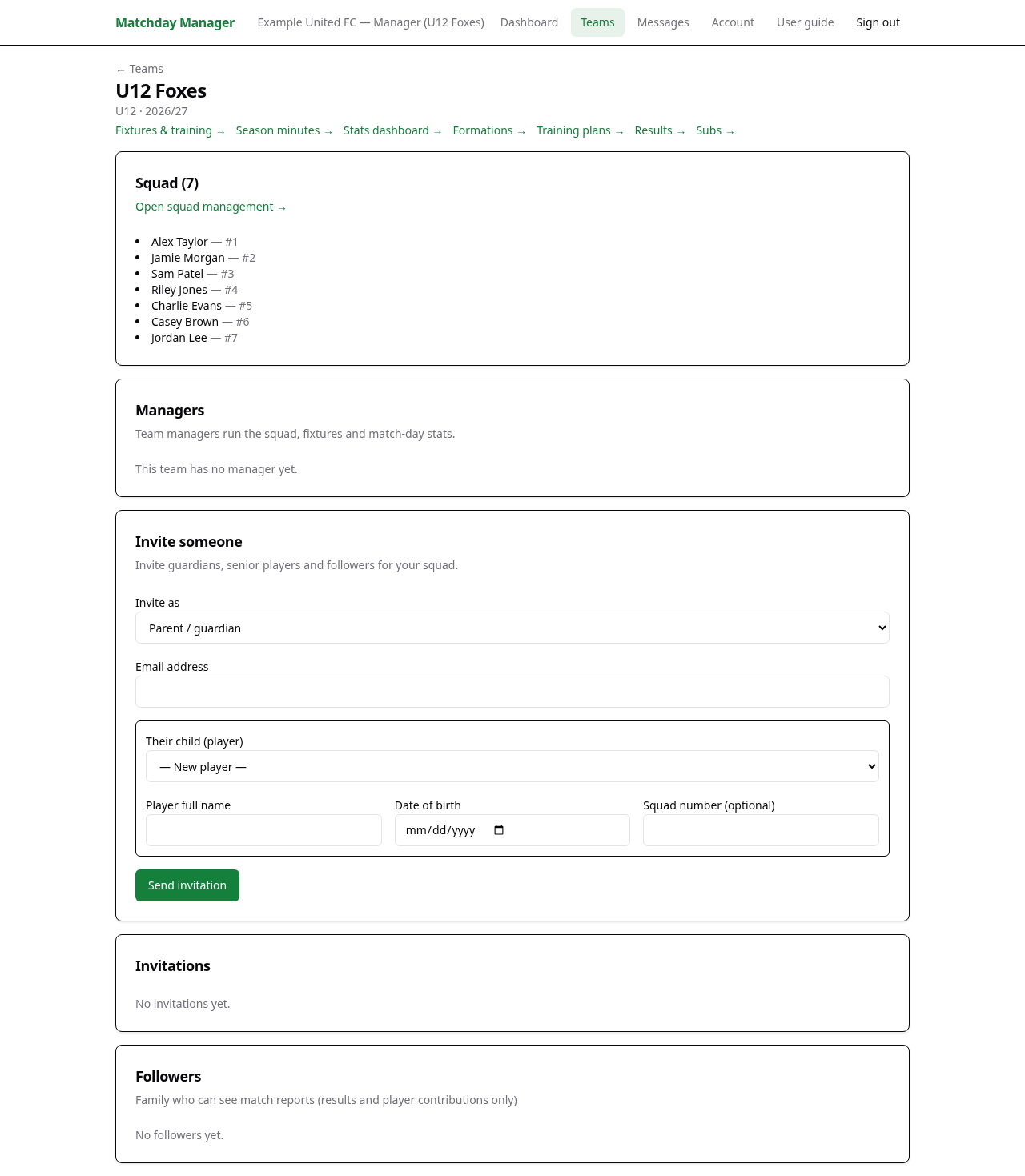 View full screenshot →
PRACTICAL TOOLS FOR GRASSROOTS FOOTBALL
Create teams under the same club and organise them by age group and season. People who hold several roles can switch between the relevant club and team dashboards.
Invite managers to their teams, then let them organise player records, fixtures, training, availability and subs. Match planning and live controls belong to the team’s manager role.
Send a club-wide broadcast or a message to one team. Youth contact rules route under-16 communication to guardians rather than directly to children.
Search for your club after creating an account. If it is already listed, register your team under it. Create a new club only when it is not already there.
As club admin, add your teams and invite their managers. Create club seasons from Account so managers can associate league fixtures with the correct season.
Invite guardians, senior players and read-only followers with the appropriate player links. Each person accepts an invitation to receive their role.
Use team or whole-club broadcasts for updates. Review teams and invitations as staff and families change, rather than sharing one login between volunteers.
One account can hold multiple roles across teams and clubs. Use the role switcher to select the club, team and role you need.
Search for the existing club instead of creating a duplicate. You can register a team under it and become that team’s manager. Club admin access is a separate role.
Club admins can select Whole club when composing a broadcast. Team managers send to their own team. Recipient selection follows the app’s youth contact rules.
No. Matchday Manager runs in a web browser on phones, tablets and computers. Supported browsers also let you add it to the home screen.
Create your account, find your club and bring your team into one place.
Get started